
Register on the ABDM Portal Through the Health Facility Registry

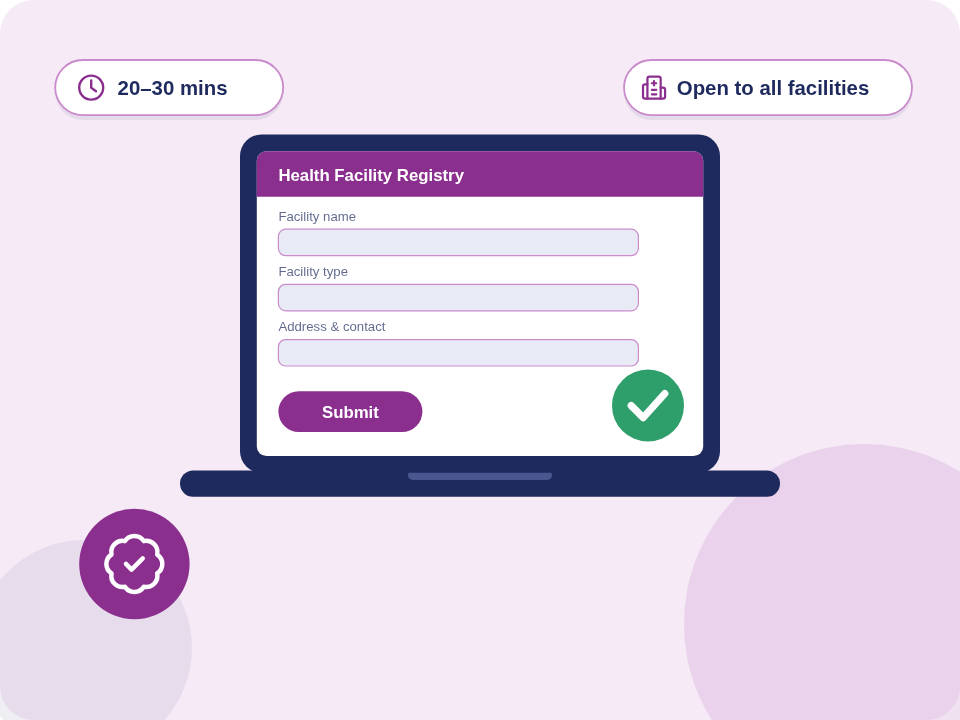
Let’s start with a simple walkthrough of Health Facility Registry (HFR) enrolment on the Ayushman Bharat Digital Mission (ABDM) portal, from login to submission.
Register on ABDM Portal
What is HFR

What is the Health Facility Registry (HFR)?

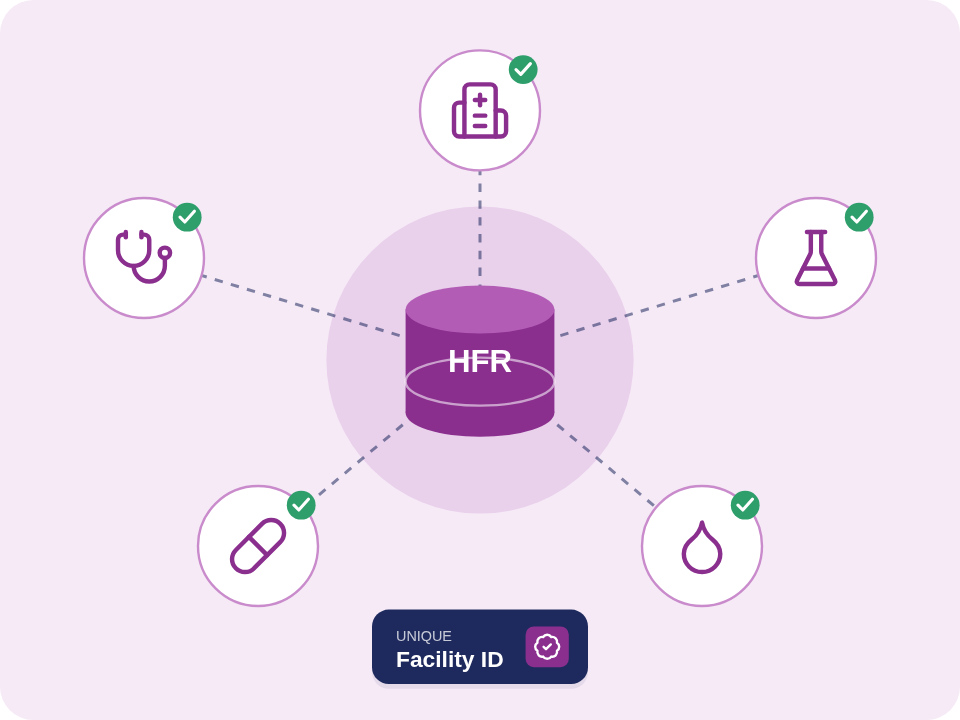
The Health Facility Registry is a national database of health facilities, run by the National Health Authority under the Ministry of Health and Family Welfare as part of ABDM. Each registered facility gets a Facility ID that identifies it across the ABDM ecosystem. 

Who Can Register

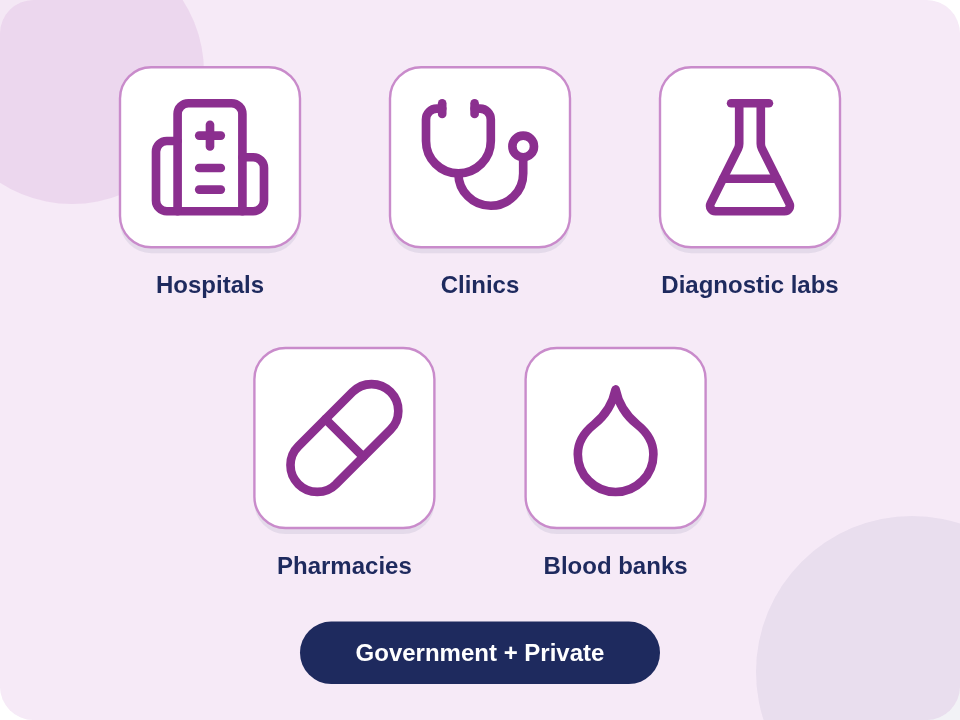
Registration is open to all health facilities in India, public or private, across these types: 

  • Hospitals 
  • Clinics 
  • Diagnostic labs and imaging centres 
  • Pharmacies 
  • Blood banks 

The registry covers these systems of medicine: Modern Medicine (Allopathy), Physiotherapy, Unani, Homeopathy, and Sowa-Rigpa. The application form also lists Dentistry, Ayurveda, and Siddha.
Who can register in ABDM Rigistry

Why Register

A Trusted Identity

A unique Facility ID recognised across ABDM.

Be Found Online

Your facility is listed on a national platform and appears in search results.

Less Paperwork

Digital services reduce the effort of licence registration and renewal, and of empanelment with insurers and TPAs.

Connected Services

Access to telemedicine, digital health records and HMIS solutions.

Registration Steps

Keep the facility manager’s Healthcare Professional ID ready. The portal is at facility.abdm.gov.in.

1. Log in with a Healthcare Professional ID

  • Open the portal home page and select Login to your Health Facility. 
  • Enter your Healthcare Professional ID in the popup. The ID ends in a fixed suffix that the portal adds for you. 
  • Select Verify Healthcare Professional ID. Use Reset to clear a typing mistake. 
  • No ID yet? Use the “Click here to register” link in the same popup. 
  • Nodal officers and verifiers have their own Register/Login button at the top of the page.

2. Search for Your Facility

  • On the Search and Register screen, choose the ownership: Government, Private or Public Private Partnership. 
  • For Government, pick Central or State Government, then the ownership subtype, such as Ministry of Health and Family Welfare. 
  • Search by facility name, or by the ID your facility already has in another national registry. 
  • Select your State or Union Territory and district, then select Search. 
  • Check the results table: facility name, Facility ID, source, address and ABDM registration status (for example, “Not Registered”). 


After you request assignment, the portal confirms: “You will be notified via SMS and email once the nodal officer has approved your request.”

3. Fill in the Application

The form has four stages, with a progress bar at the top. 

  • Facility details: name, ownership and subtype; system of medicine; facility type and subtype; operational status; type of service (OPD, IPD, diagnostic); address and contact details. 
  • Additional facility details: working days and timings; extra services offered. 
  • Speciality and infrastructure: specialities you offer; bed counts, with and without oxygen; ventilator and ICU capacity. 
  • Preview and submit: review everything you entered; accept the declaration and enter your name; select Submit, or Go Back to edit. 

4. Submit and Link Your Software

  • After you submit, the portal says: “Thank you for submitting your application for Verification.” 
  • Your application then goes for verification. 
  • You can now link your HMIS or LMIS (hospital or lab management software) in the Link your software section. 

What is Health Facility Registry (HFR)?

Process for Registration of PPP Facilities

Government vs Private Facilities

Both follow the same four steps. The differences are in the ownership choices at the start of the form.

Step
Government
Private
Ownership choice
Central or State Government
Private
Ownership subtype
For example, Ministry of Health and Family Welfare
For-Profit or Not-for-Profit, with a subtype such as Individual Proprietorship
Search, form and submit
Same screens and same steps for both

FAQs

Is registration compulsory?
The 2020 NHA video for the registry describes enrolment as voluntary. Check the portal for the current position.
The video puts enrolment at about 20–30 minutes. Verification by the nodal officer happens afterwards, and the video does not give a timeline for it.
A Healthcare Professional ID for the facility manager, plus your facility’s address, contact details, timings, specialities and bed counts.
Yes. The final stage lets you preview your entries and select Go Back to change them.

Register For a Demo

Register For A Demo

Job Seeker don't apply via this form, send your resume at hello@ezovion.com

Do You Want Personalized Software for Your Hospital or Clinic? We can Help You!